
Everything on the Line, Understood
Spatial Horizon brings Agentic AI to the equipment you already have: the whole line, understood and acted on, on your iPad, phone and computer.
Problems, Solved Remotely
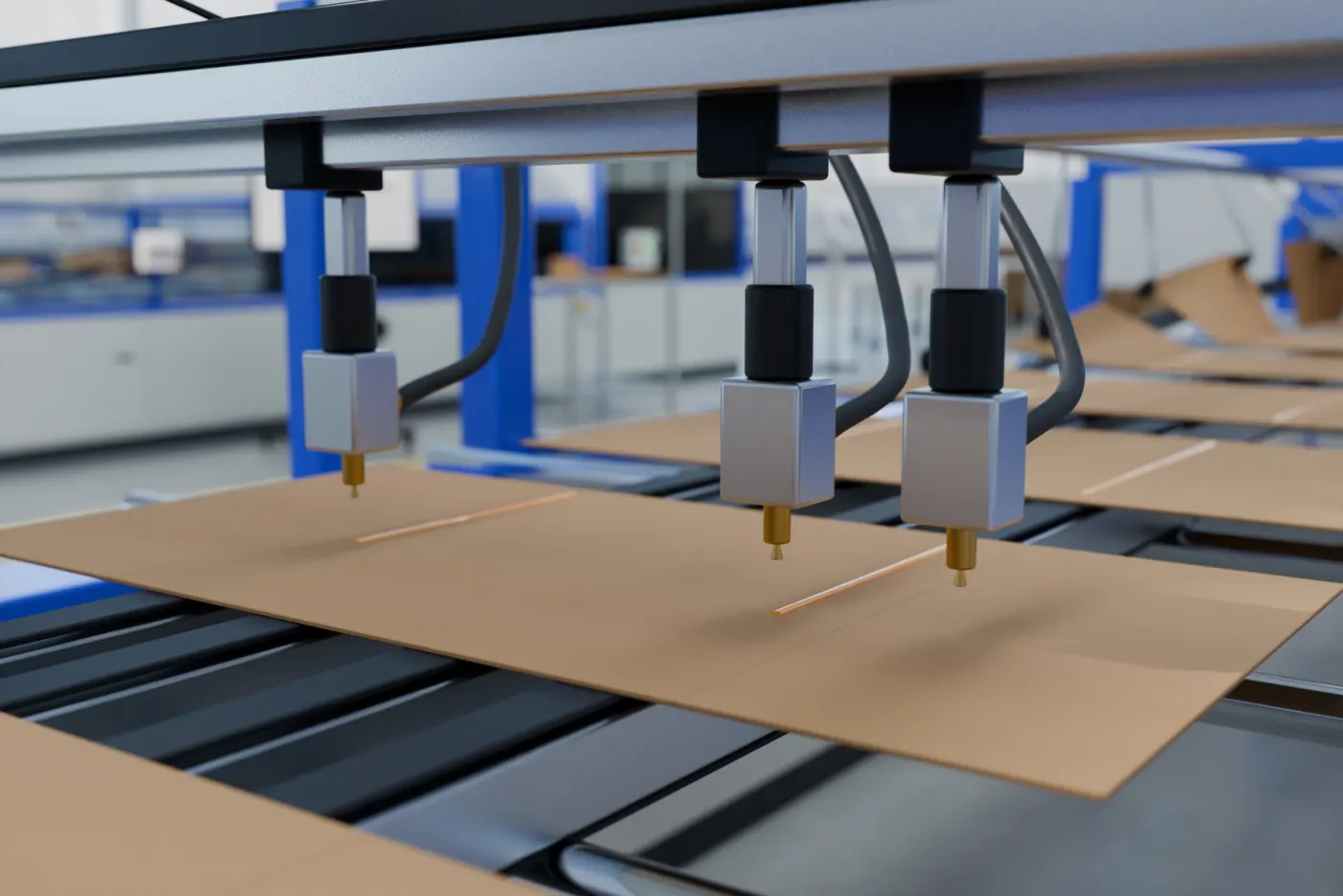
A glue line skips, drifts or strings. Take a picture on the spot. The AI Agent and an engineer anywhere in the world look at it together, and the settings are corrected right away.
- Capture ItThe operator photographs the glue line on an iPad or phone. The glue unit's live data goes with it.
- Understand ItThe AI Agent compares the picture, the values and past records, and names the valve and the setting at fault.
- Fix ItOne tap to confirm and the setting is changed. Engineers anywhere can watch and adjust too.
It Reads the Records, and Tells You the Fix
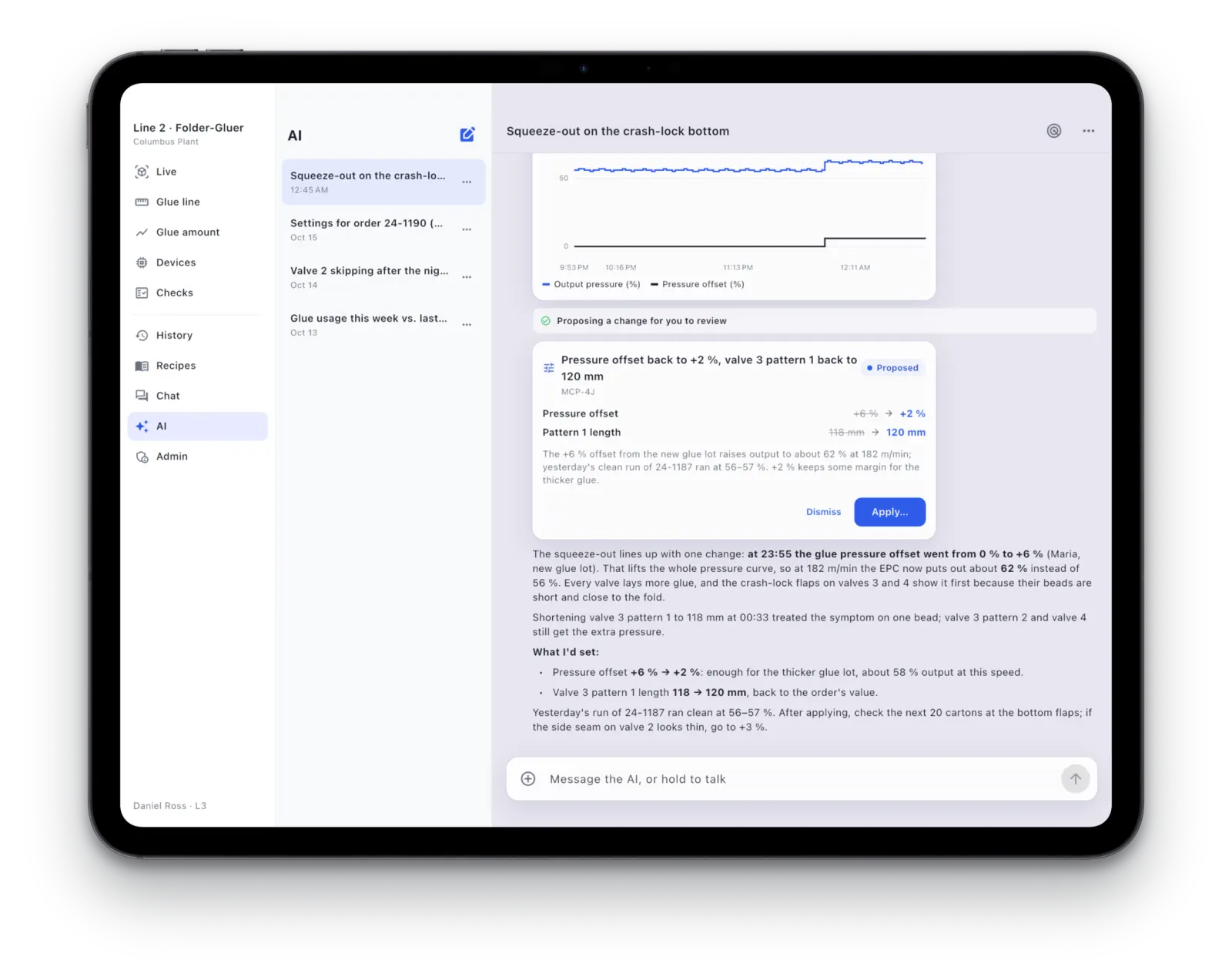
Ask why a glue line got wider, what settings a new order needs, or why the night shift was down. The AI Agent looks through the records, the pictures and the trends, and answers with the cause and the fix. It acts only when you tap to confirm.
- Answers with EvidenceCharts, changes and pictures from your own line, right in the answer.
- You Stay in ChargeEvery proposal waits for your confirmation, and every step is recorded.
- Hold to TalkAsk out loud, in your own language.
The Whole Glue Unit, on Your iPad
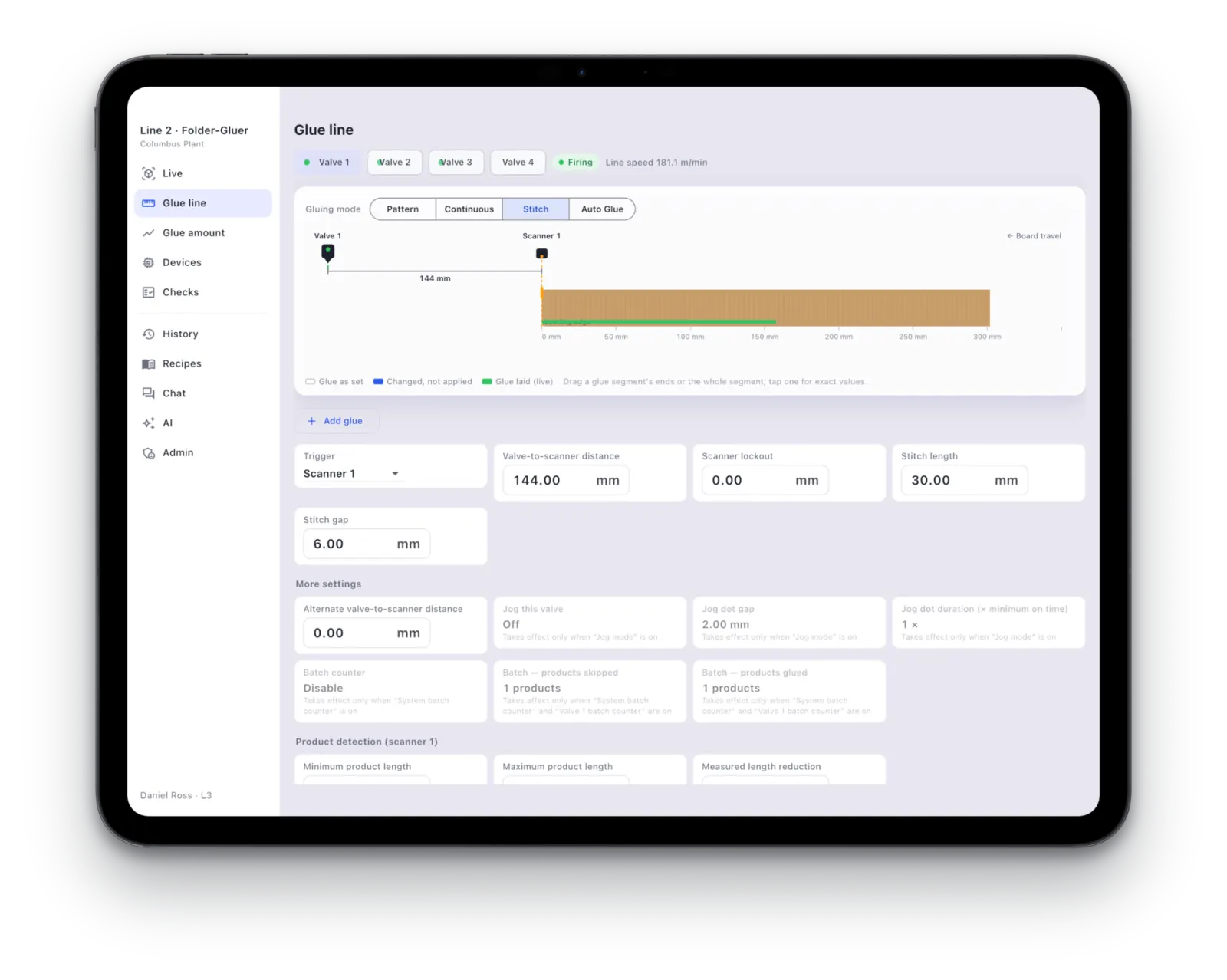
Every valve and every setting on iPad and iPhone. Values update live, and a change takes effect at once.
- Every Change on RecordWho, when and what, with the values before and after.
- Undo in One TapAny change can be put back exactly as it was.
- Go Back to Any Point in TimeThe settings and glue pattern of that moment, replayed.
Every Change, on Record
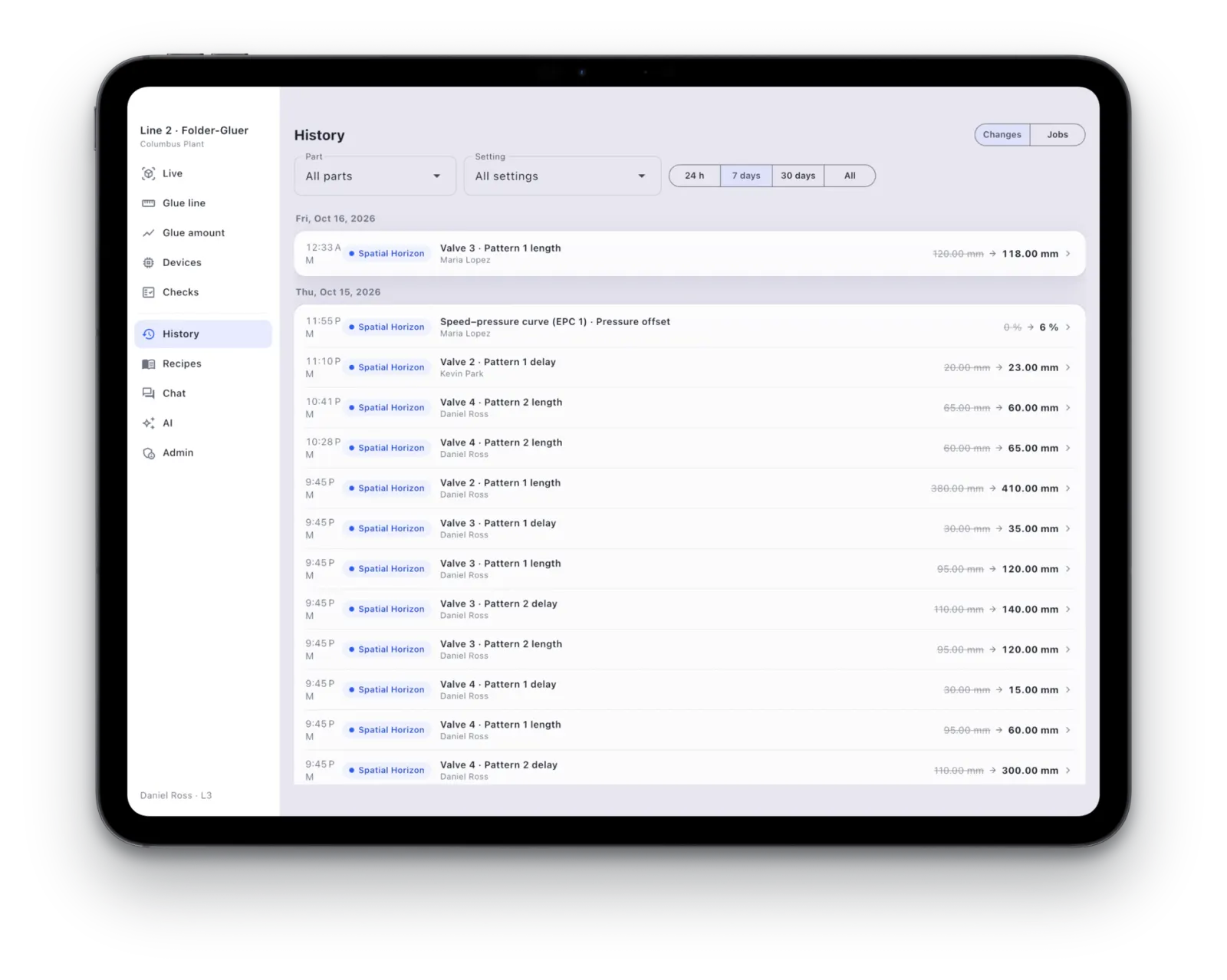
The history shows each adjustment on the line in order, who made it and what it changed, so a good setting is never lost and a bad one is undone in seconds.
- Before and AfterThe old and new value of every setting, side by side.
- Put It BackRestore any earlier change exactly as it was.
The Whole Line, at a Glance
Walk the line with an iPhone or iPad Pro and the whole line appears in 3D. Tap a glue valve to see its settings and pictures right now.
- One Walk, 3D Made for YouWalk the line once and the whole line appears in 3D.
- One Place, the Whole Line TogetherGlue units, cameras and line-side units on one view.
- One Phone, the Plant in Your PocketNo phone calls, no walking the floor.
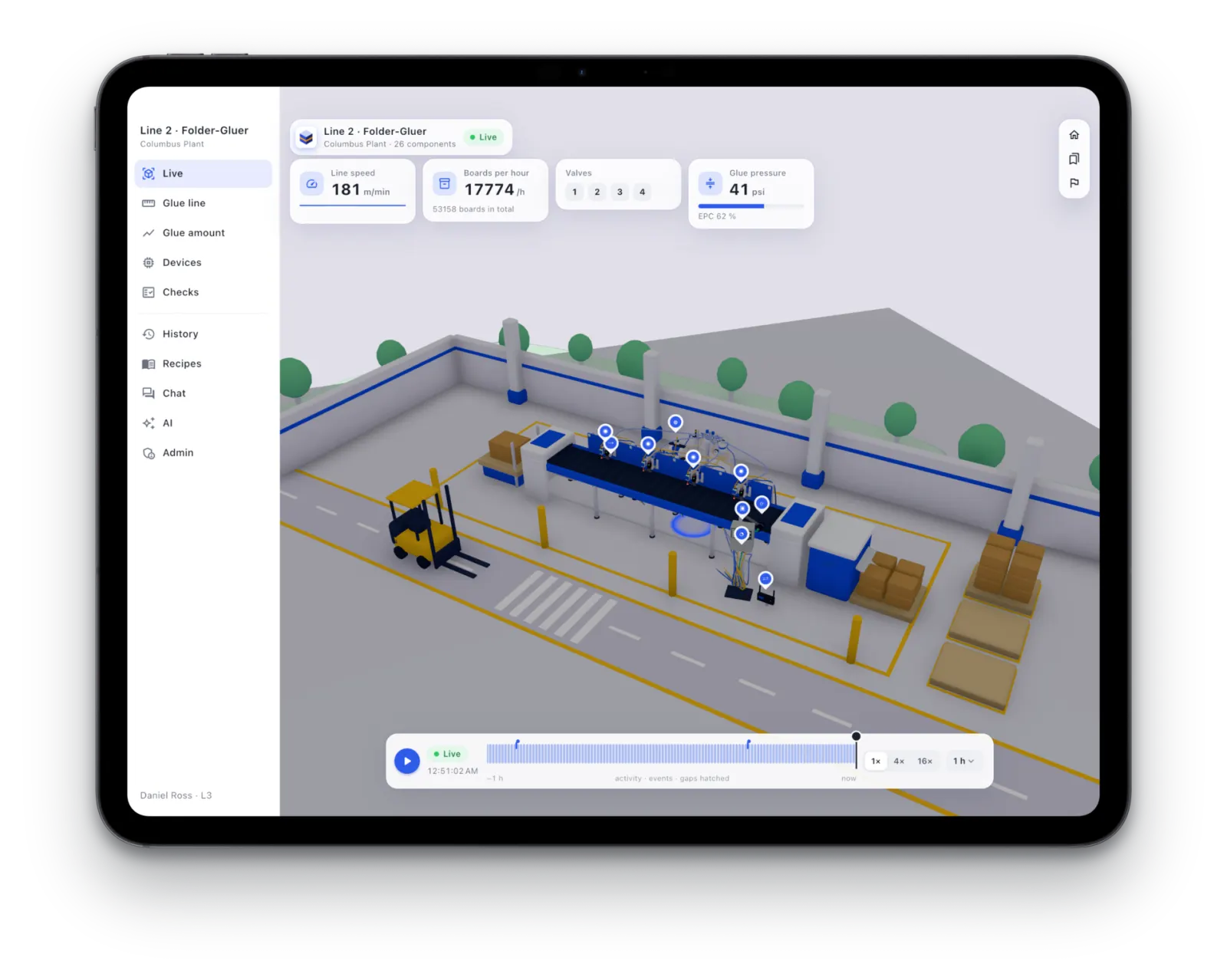
A Glue Checker in Your Pocket
Hold an opened sample over a phone or iPad. The screen lights it with fine stripes, and one shot shows the glue bead clearly: there or missing, broken or whole, on position or off. No special instrument. Everyone already has one.
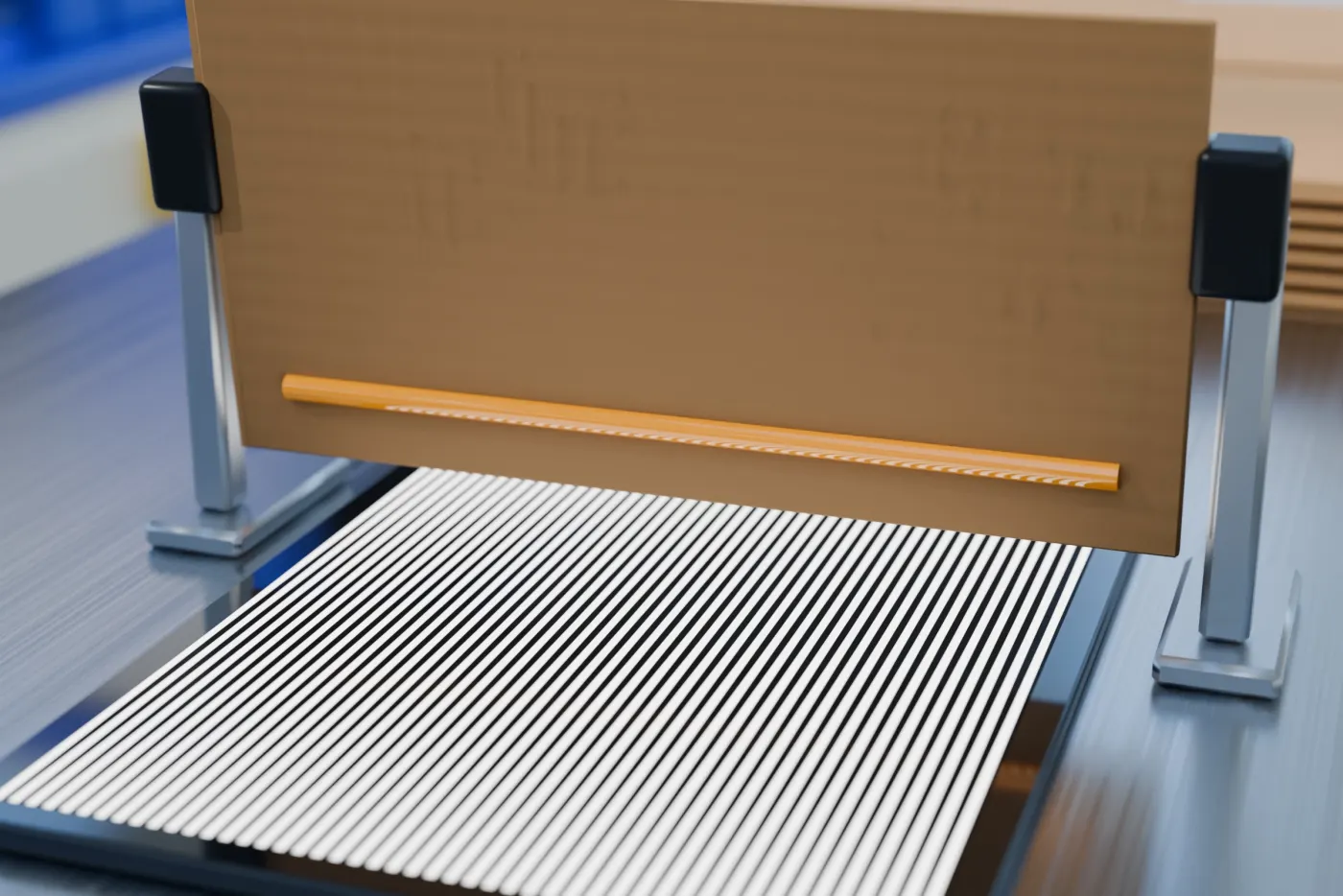
Every Box, SeenPlanned
Is the glue there, broken, off position, too wide or too narrow? Every box that passes is checked. Problem boxes are flagged on the spot, and repeated faults stop the feeder automatically. Every shipment can carry its inspection records and pictures: proof of quality for your customers.
- Every New Product
- The AI Agent Learns Its Standard by Itself, No Re-Tuning
- Every box
- Numbered, with Its Inspection Record and Pictures
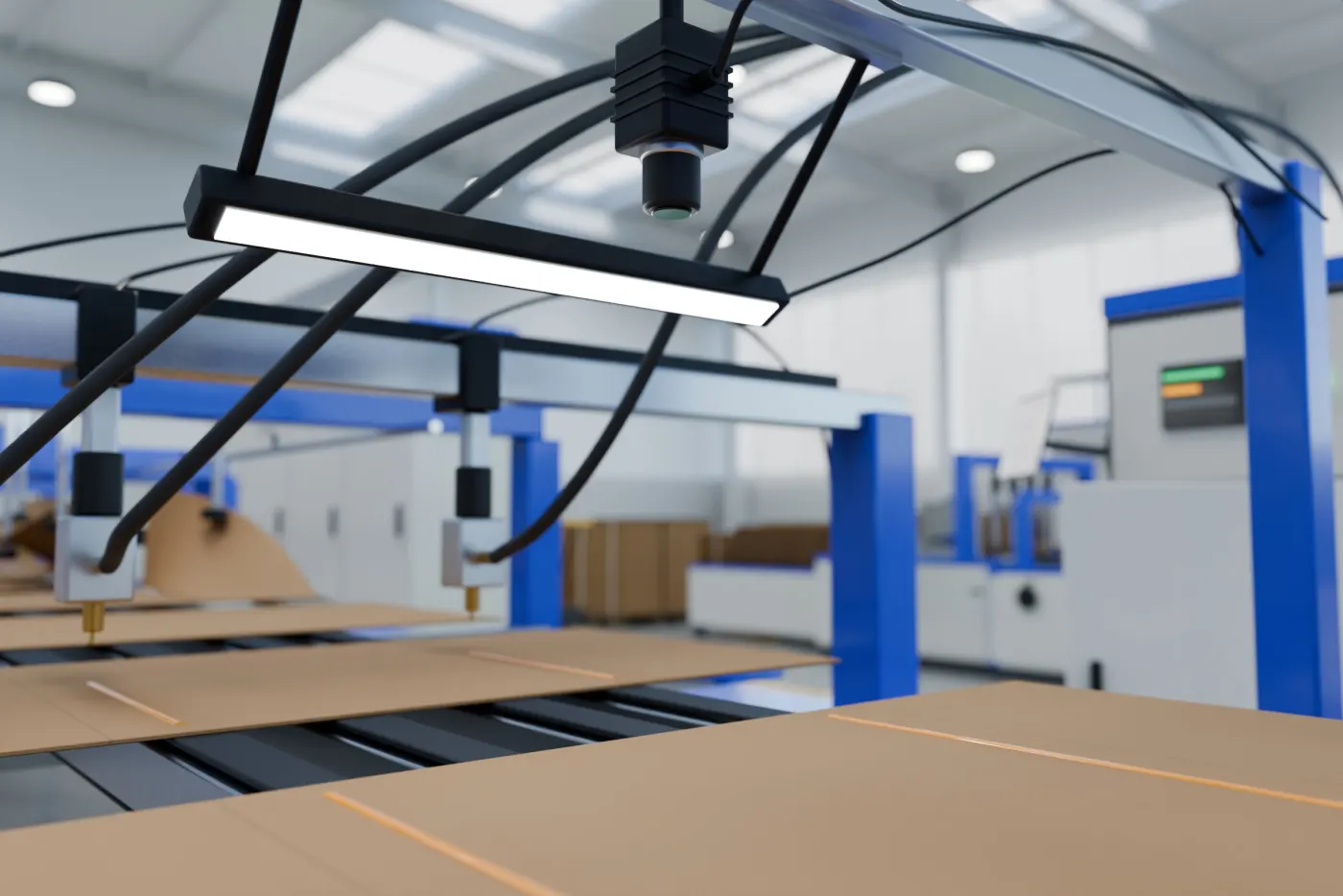
Every Gram of Glue, Accounted For
See how much glue each order really used. Estimate it before you take the job, get a reminder to top up before you run out, and find the leaner setting that still holds. When the numbers don't add up, it's usually a leak or a clogged gun.
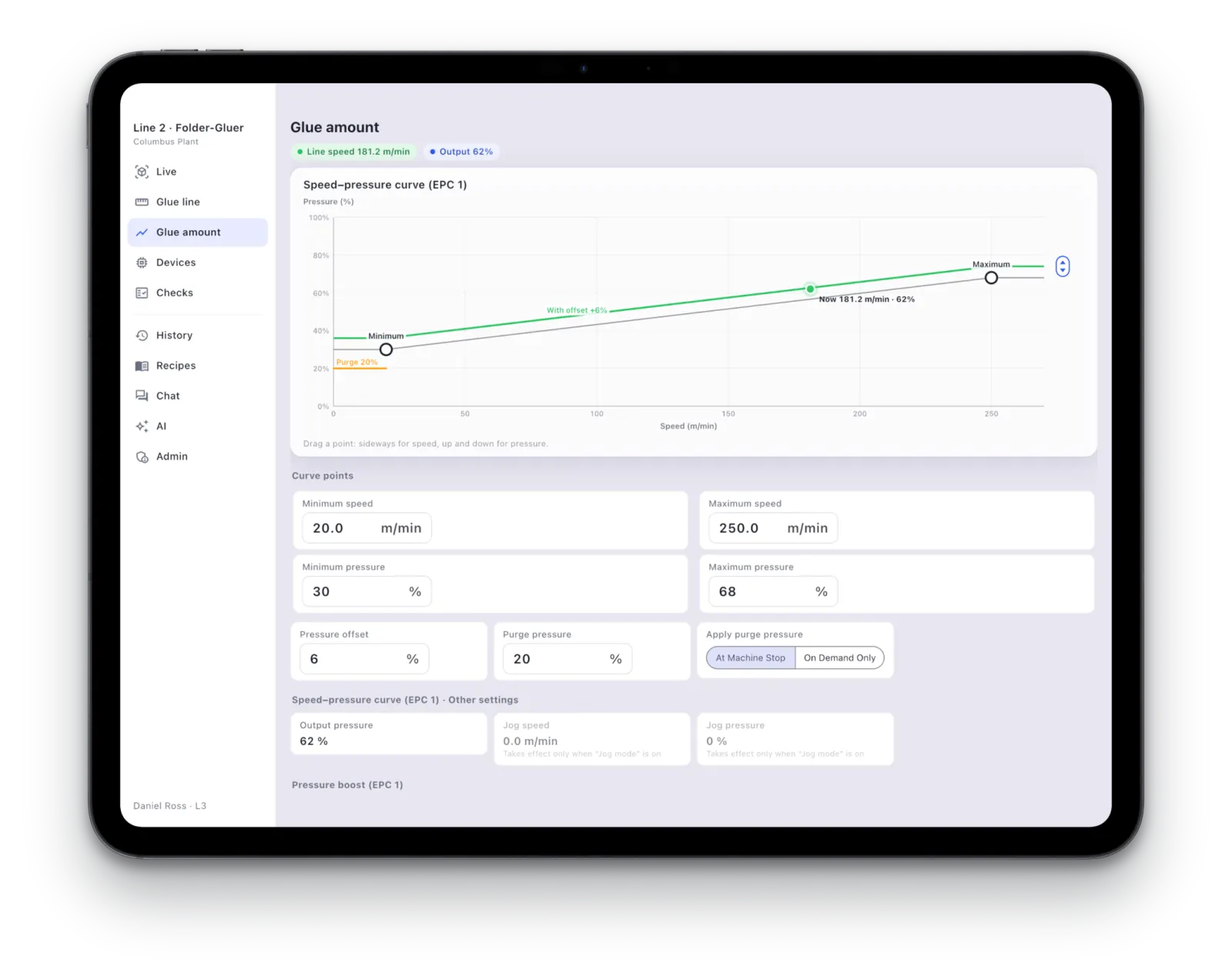
Whichever Screen Is Handy, Use It
The same line on every screen in the plant.
- Line-Side ScreenA touchscreen on wheels the whole crew can gather round.
- iPad on the MachineSnap it on and it's that machine's panel. Take it off and the line goes with you.
- Phone and ComputerOn the floor, in the office or on the road: open it and look.
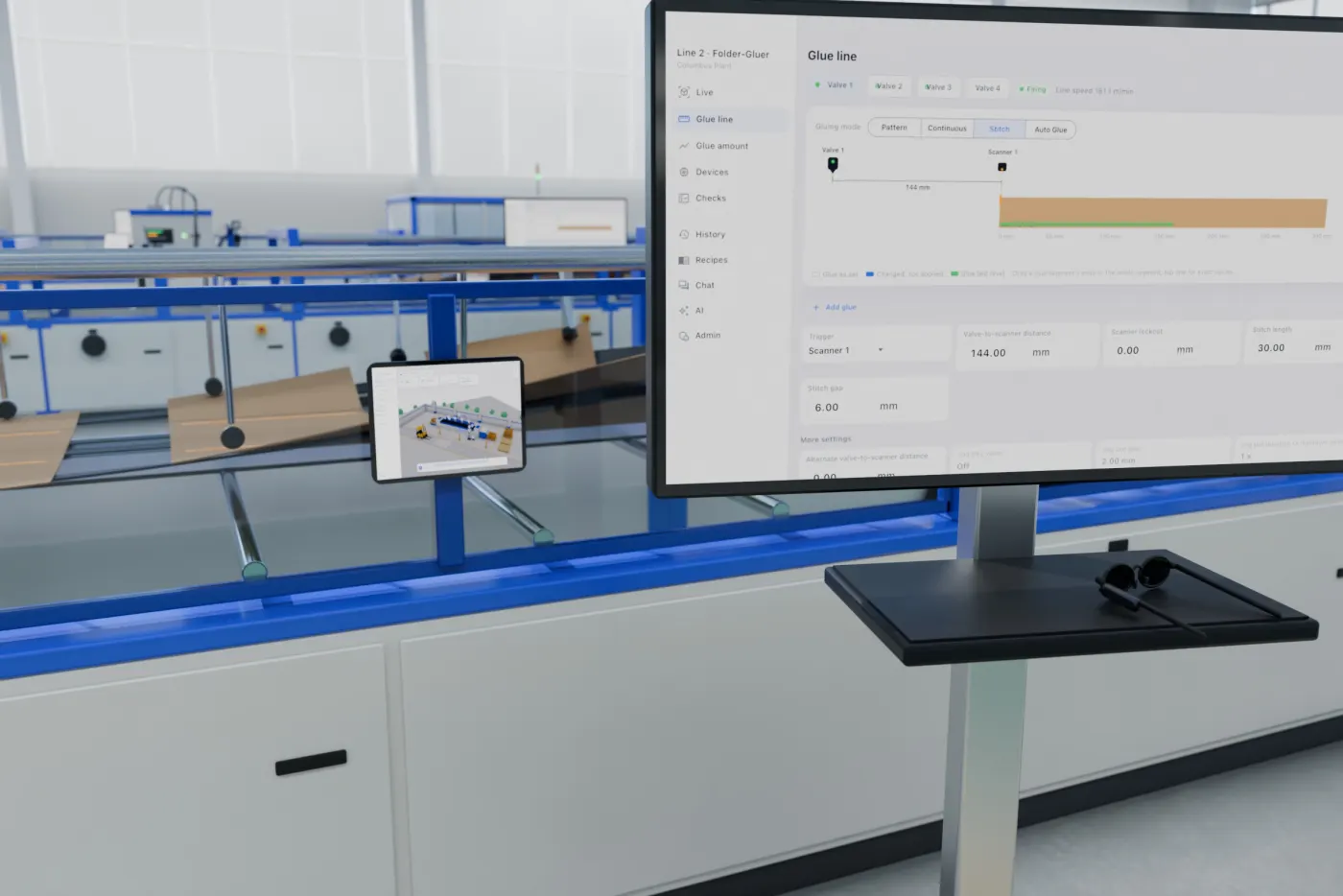
Hands on the Machine, Answers in Sight
Line operators and maintenance engineers wear the smart glasses and keep both hands on the job. Settings, alerts and an expert's guidance appear right on the lens.
- Settings in SightWalk up to a machine and see how it's running right now.
- Alerts Find YouGlue running low or service due: it shows on the lens at once.
- An Expert at Your SideA remote engineer guides you step by step, every step in view.
- Ask and SeeAsk out loud. The AI Agent's answer appears in front of you.
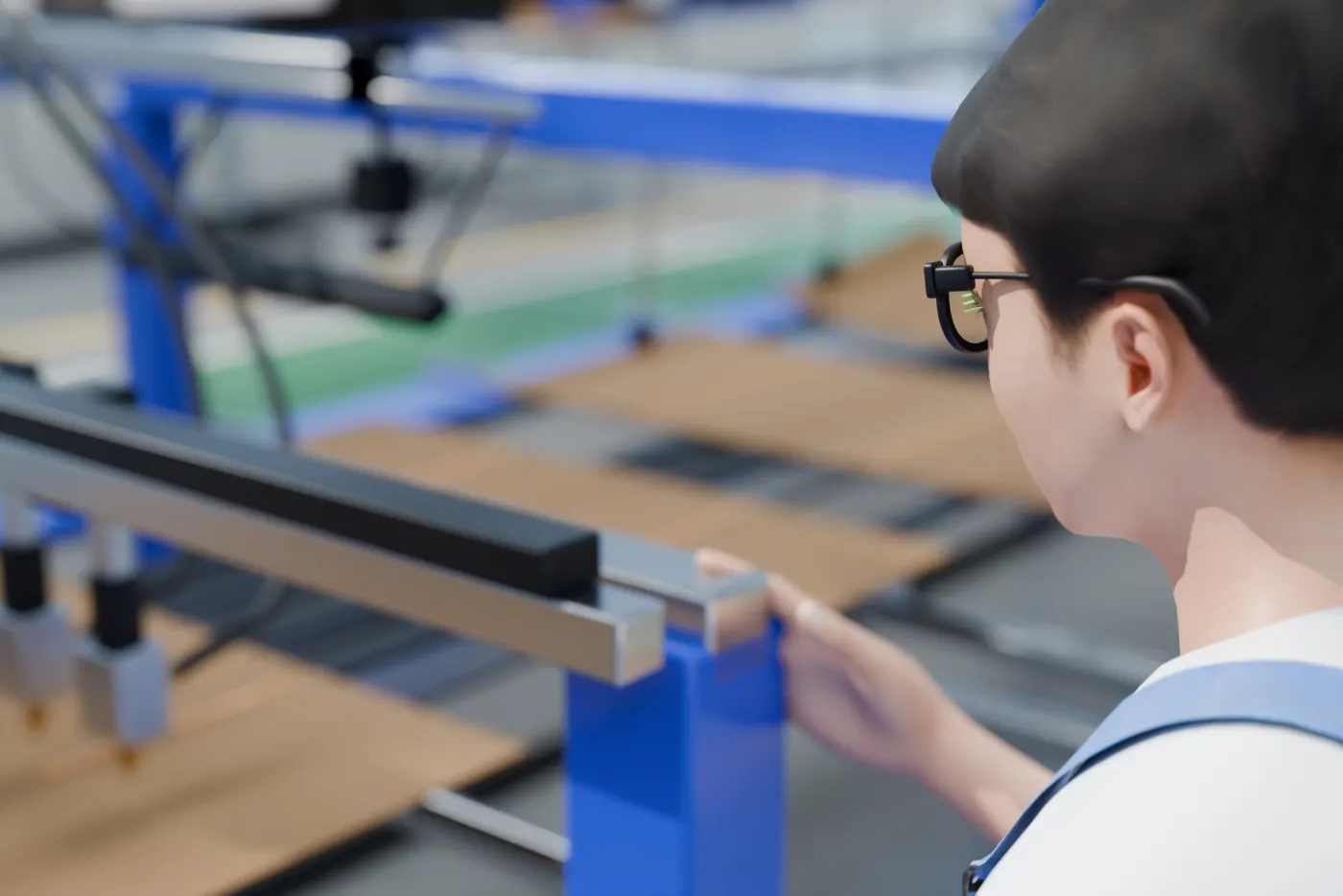
Every Service Visit, on Record
Service visits, routine checks and reminders in one place, kept by the plant.
- Service VisitsPhotos and video in, report written for you. Signed on a phone, it's the service sheet.
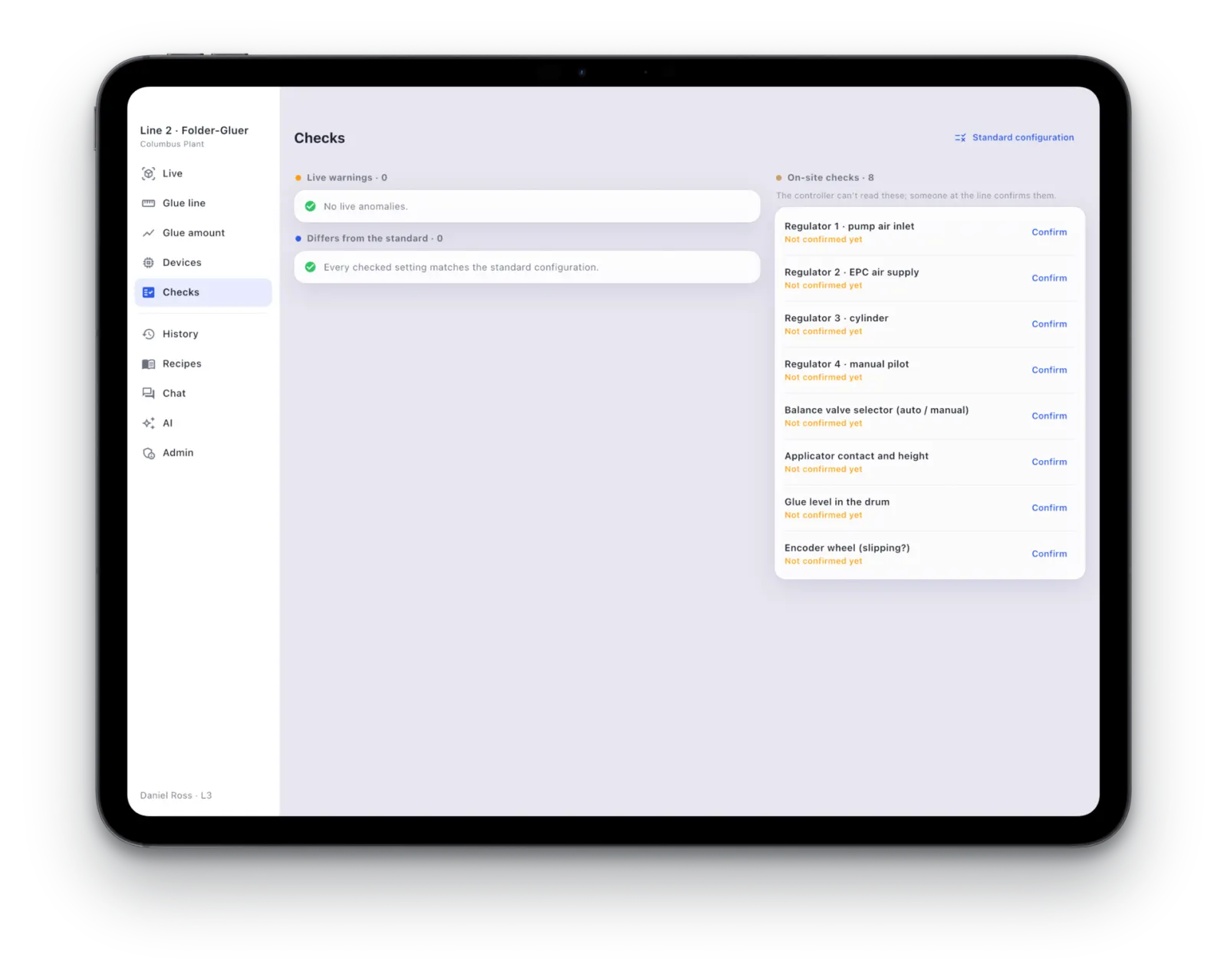
- Routine ChecksA reminder when due. One photo and it's done.
- Ahead of TimeWhen service is due, the AI Agent raises the work order itself.
- Your RecordsThe plant keeps its own maintenance history.
Start with One Line
See it on one line first: record before and after, and let your own numbers speak.
Book a Demo